AI
Writing flows with AI
Create a flow from a description, rewrite one with the magic wand, and everything around it: providers, keys, what the model is given, and its limits.
Two things in the tool are written by a model: a new flow, from a description of what it should test, and a change to an existing one, from a description of the change. Both are built from your own applications, and both land in the editor as ordinary Markdown for you to read before anything runs.
Configure a provider
In Settings › AI, pick a provider, set its model and, where one is needed, paste its API key.
| Provider | What you need | Default model |
|---|---|---|
| Ollama | A running Ollama and a pulled model (ollama pull llama3.1). Set the host if it is not http://127.0.0.1:11434. Nothing leaves your machine. |
llama3.1 |
| Google Gemini | An API key from aistudio.google.com. | gemini-2.5-flash |
| Anthropic (Claude) | An API key from console.anthropic.com. | claude-opus-5 |
The model is a free text field, so any model the provider serves can be named. Press Test connection before generating anything: it makes a real round trip, and catches a wrong model name or an Ollama that is not running.
Where the keys live. Everything is stored in config/ai.json inside the
context folder. The keys are never sent back to the browser: the UI is only
told that one is stored, and the field reads Stored — type to replace it.
Since the file holds credentials, keep it out of git; the .gitignore
suggested in The context folder does.
What the model is given
Every request carries three things: the rules of the format (frontmatter, prose, step blocks and their keys), the catalogue of your applications, and your prompt. When editing, the current document goes too.
The catalogue is built from the JSDoc blocks of every index.ts: each
method's description, parameters, output, memory and example. The model knows
nothing else about your systems, so a method with a vague description or no
example produces vague steps, and a well documented one produces a step that
runs. Documenting an application is the page to
read when the generated flows are not good enough.
With Ollama all of that stays on your machine. With Gemini or Anthropic it goes to that provider, and nothing else does: see Privacy.
Create a flow
Use the + next to Flows, choose New flow, and turn on Create using
AI under the file name. The file is created first, so it exists whatever
happens next, and a second dialog asks what it should test:
Create a post on jsonplaceholder with a random title, check it comes back with a 201, then fetch a post that does not exist and expect a 404.
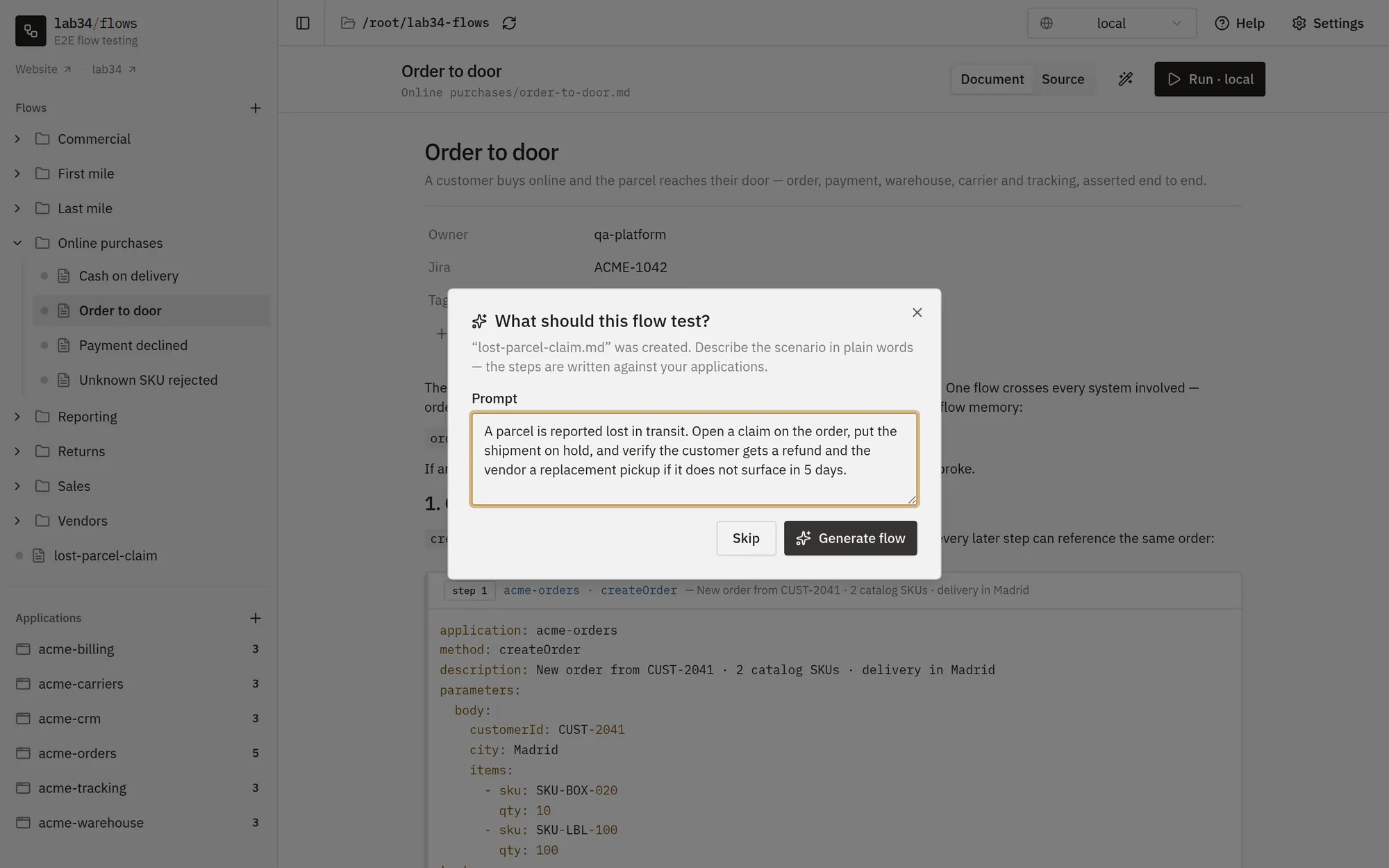
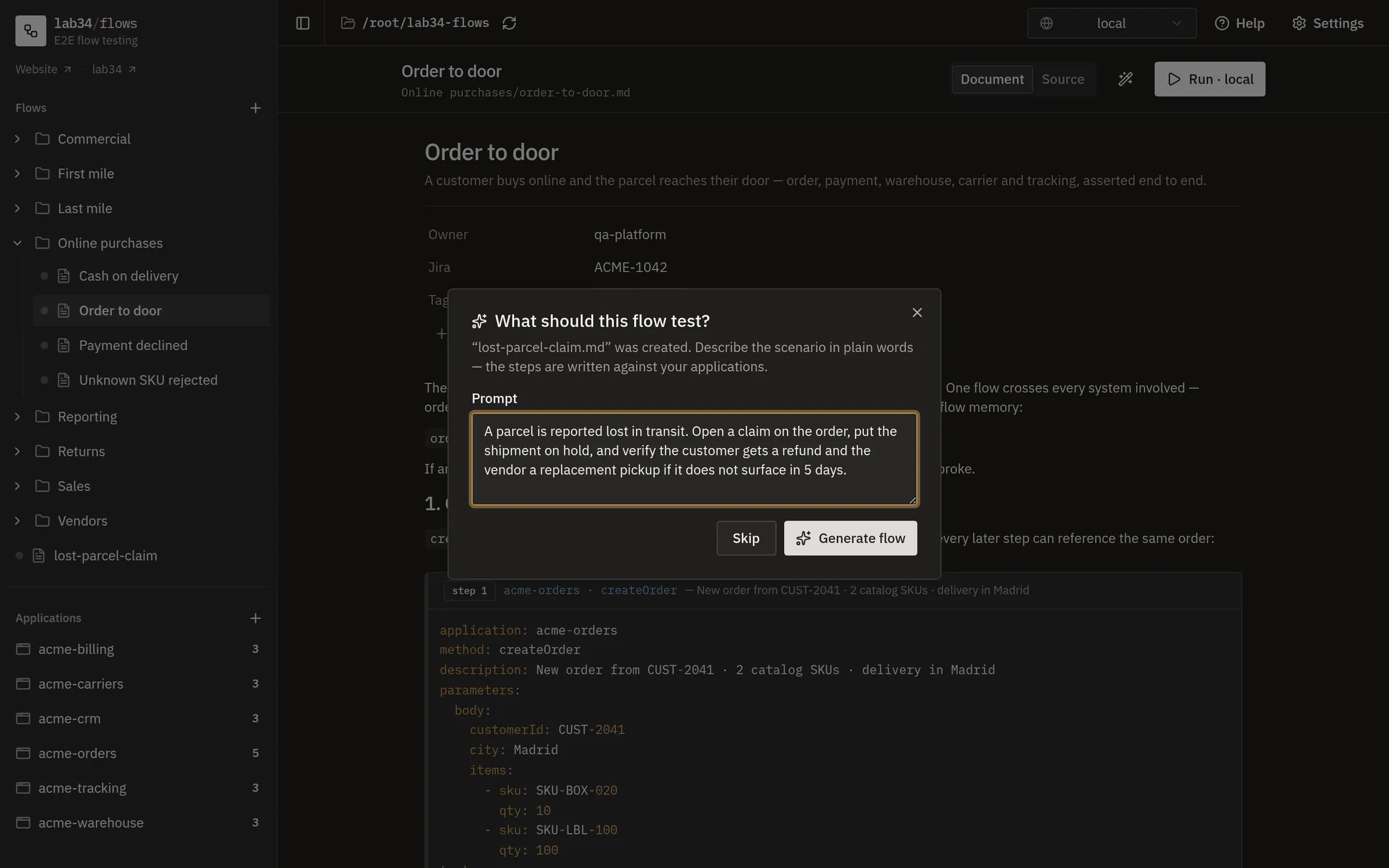
Name the applications and the outcomes you care about, the unhappy path included. What comes back is a Markdown flow using the applications you actually have. It is validated before being saved: it has to parse, contain at least one step, and only use applications and methods that exist. If it does not, the model is shown its error and gets one chance to fix it before the error reaches you.
Edit a flow
Open any flow and click the magic wand next to the Document / Source toggle. Describe the change, "also cover the unhappy path", "explain each section", "use the new refund method instead", and the whole document is rewritten. The result lands in the editor as an unsaved change, so you can read it, and reload the page to throw it away, before it is saved.
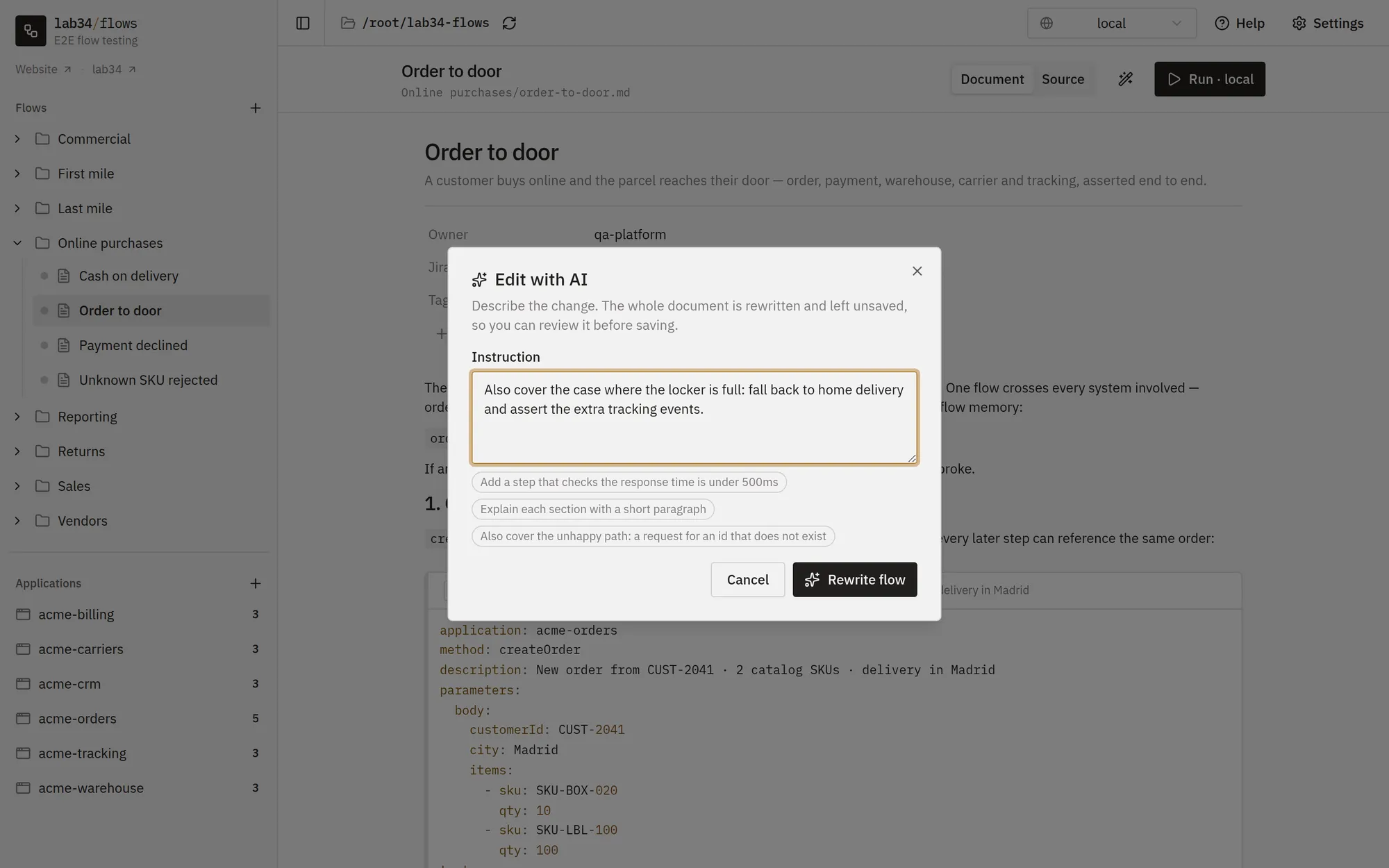
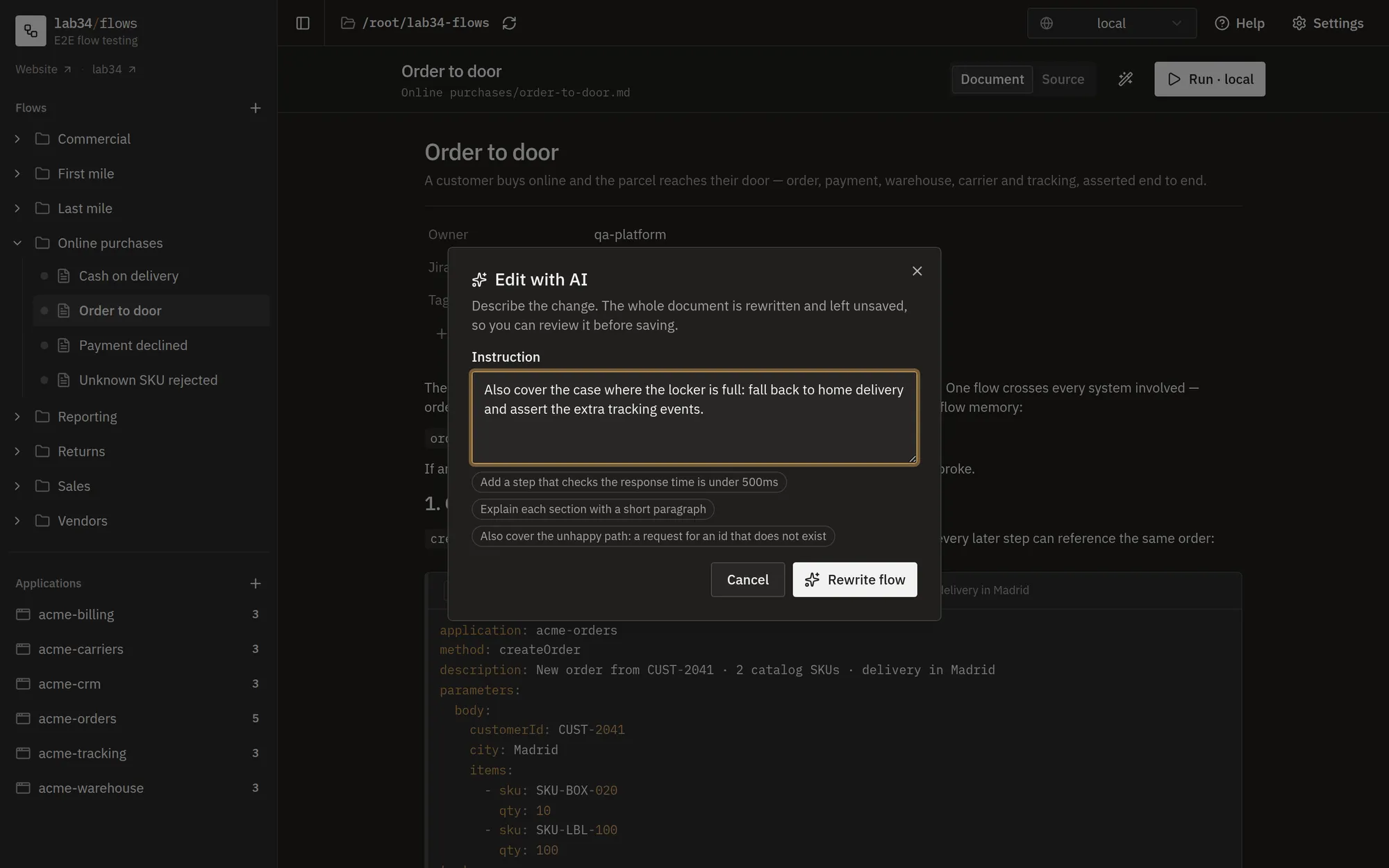
The wand rewrites the whole document, it does not patch it: everything in the flow travels to the model and comes back. Check the parts you did not ask to change.
Limits
- One attempt plus one correction: a generation that fails twice reports the error rather than looping.
- The answer is capped at what a single response can hold, which is plenty for a flow of a few dozen steps and not for a whole suite. Ask for one scenario per flow.
- Temperature and similar knobs are not exposed; the model and the prompt are what you control.
- The CLI has no AI flag: generating and editing is done from the web UI.
When it does not work
"Not configured yet": pick a provider and save a key first, then Test connection. A wrong model name, or an Ollama that is not running, fails at that same test. "The model declined to answer" is the provider refusing the prompt; rephrase it. A flow that uses a method that does not exist is rejected by the validation, and usually means the application's documentation did not make the right method obvious.