Organizing
Organizing flows
Folders, properties and saved views: how a few hundred flows stay findable, and why a view is what a pipeline should run.
Three things organize flows, and they build on each other: folders give them a place, properties give them metadata, and views turn a folder into a table you can filter, sort, run and hand to a pipeline.
Folders
The flows/ tree is yours: create folders from the + next to Flows,
nest them as deep as you like, rename and delete from each row's actions.
The first level tends to be the system or the team (checkout/,
warehouse/), the levels below the feature. The top folder is also what the
HTML report calls a suite, so a meaningful first level reads well there.
Properties
Every key in a flow's frontmatter is a property, and everything the tool does with metadata reads them (see The flow document). A small, agreed set goes a long way:
---
title: Refund after a failed delivery
owner: ana
suite: smoke
tags: [refund, logistics]
priority: 8
reviewed: true
---
Nothing declares these; the value is the type. A list like tags is what
has tag filters on, a number sorts numerically, a boolean is a checkbox.
The Document view edits them in place, and Add property offers the
kinds of value to start from. Agree the names once and the views below stay
simple.
Folder views
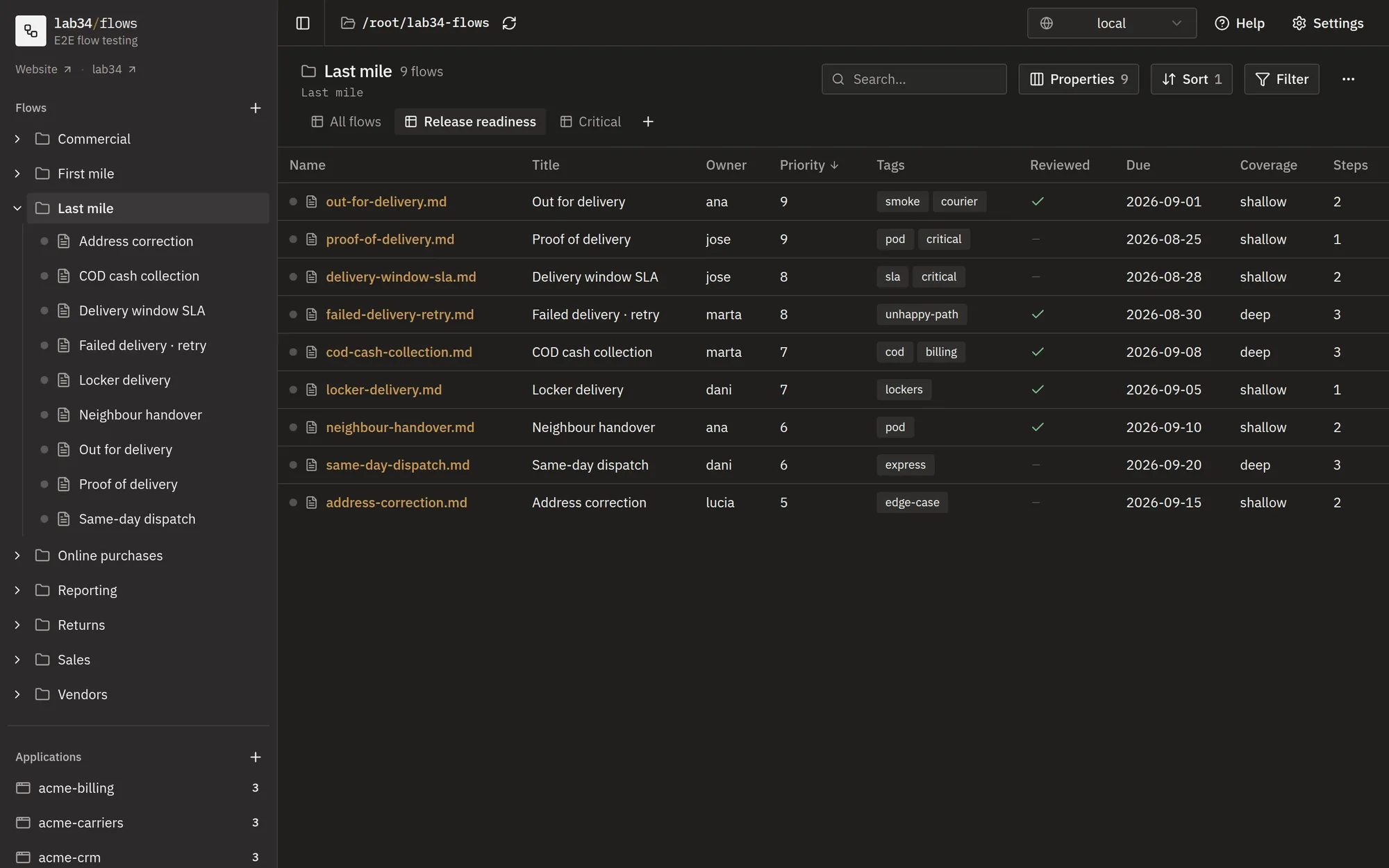
Click a folder in the sidebar and every flow below it, subfolders included, is listed as a table: one row per flow, one column per property. The tabs above the table are the views. The toolbar searches, picks the columns and their order, sorts and filters, and what you set up is saved into the view you are on.
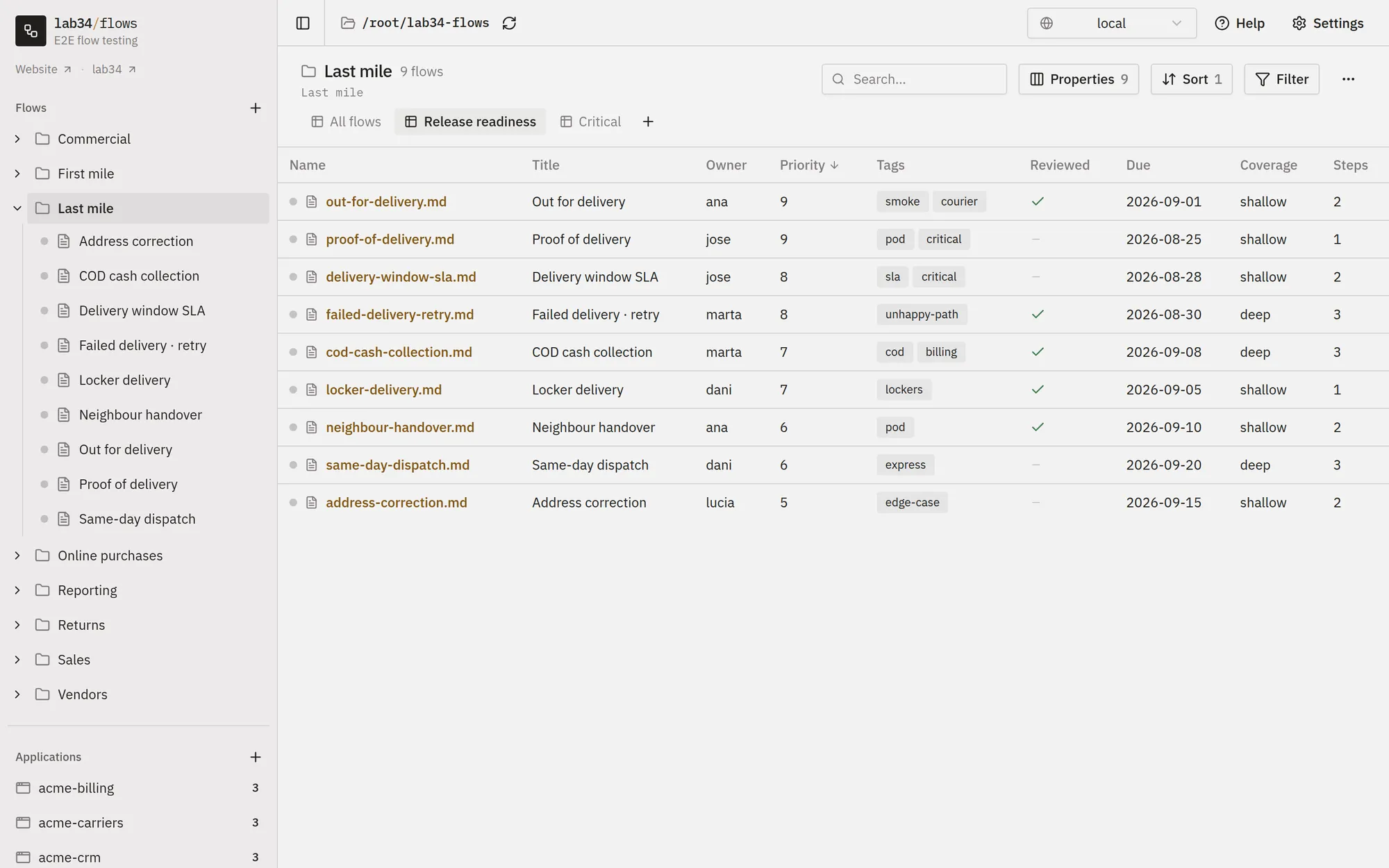
- Properties picks the columns and their order. Renaming one here writes
a display name that every view follows. A property holding an object
offers its fields as columns of their own,
xray.testKeyfor instance. - Sort stacks several clauses: the first that separates two flows wins.
- Filter decides which flows the view keeps: a property, an operator and a value, picked from dropdowns rather than typed, so a filter cannot be a syntax error. Groups combine with all, any or none, and nest. The operators, and how they read, are in Filters and formulas.
- ⋯ › Formulas adds columns worked out from the others.
- Run all executes the flows the view is showing, as one test run.
- CLI writes the command that runs this same view from a terminal.
A view is not tied to a folder: every view is a tab on every folder, and applies to whichever folder is open. Which one a folder was last opened with is remembered in your browser.
Underneath, the views are one file, views.yaml at the root of the context,
in the shape Obsidian Bases uses. It holds
no folder references, so it is safe to commit and travels with the
repository:
properties:
  note.owner:
    displayName: Owner
formulas:
  depth: 'if(flow.steps > 3, "deep", "shallow")'
views:
  - type: table
    name: Smoke
    filters:
      conjunction: and
      conditions:
        - property: note.suite
          operator: is
          value: smoke
    order: [file.name, note.owner, note.priority, formula.depth]
    sort:
      - property: note.priority
        direction: DESC
Views are what a pipeline runs
A pipeline has to say which flows to run, and the usual answers age badly: a list of files goes stale the day a flow is added, a folder is too coarse the day it holds one slow flow, and a naming convention is enforced by nobody.
A view is a filter, evaluated when the command runs:
ronsel --context e2e --view smoke --env uat
What runs is whatever matches today. A flow tagged suite: smoke tomorrow
runs tomorrow, one moved to another folder still runs, and none of it touches
the pipeline. Because the same view is a tab in the UI, what the pipeline will
run is never a guess: open the folder, pick the tab, and the table is the
list, with the count of matching flows updating as a filter is edited.
--folder scopes the same view to part of the tree when a pipeline should
only run its own corner.
A setup that tends to work: a suite property with a few agreed values, one
view per value (smoke, regression, nightly) filtering on it, and a
pipeline job per view. The CLI button of each view hands you its command.
A view with no filters is also a view: name it all, and --view all runs
everything.
Views live in views.yaml, so they travel with the repository and a change
to what a pipeline runs is a reviewable diff. How the values reach the
pipeline is in Environments; the flags are in
Command line.