Getting started
Quick start
One command turns a folder into a ronsel project. Run a demo, write a flow of your own and commit it next to the code it tests.
From nothing to a flow of your own, committed next to the code it tests.
1. Start a project
Everything the tool reads and writes lives in one folder: the context. Flows, applications, environment files, saved views and test runs are all plain files under it, which is why the right place for it is a git repository of yours: a dedicated one, or a folder of the repository that holds the code under test.
Make that folder, and run one command in it. It needs Node.js 24 or newer; nothing else has to be installed.
mkdir e2e && cd e2e
npx ronsel start
That furnishes the folder — four example applications, four example flows, and
a tsconfig.json so your editor understands the applications — writes a
package.json that depends on the tool and carries the command as a script,
runs npm install, and opens the web UI on
http://localhost:3001.
From then on, in that folder:
npm run ronsel
which is also what a colleague who clones the repository types, after
npm install. Nothing is installed globally, and the version everybody runs
is the one the repository pins. The name of the folder in use is always shown
in the top bar.
Flows that drive a browser also need Playwright's browsers, which are a separate download. Skip this until you need it:
npx playwright install chromium
2. Run a demo
Open http://localhost:3001. In the top bar, pick the local environment: the example applications declare it, so every demo runs against it.
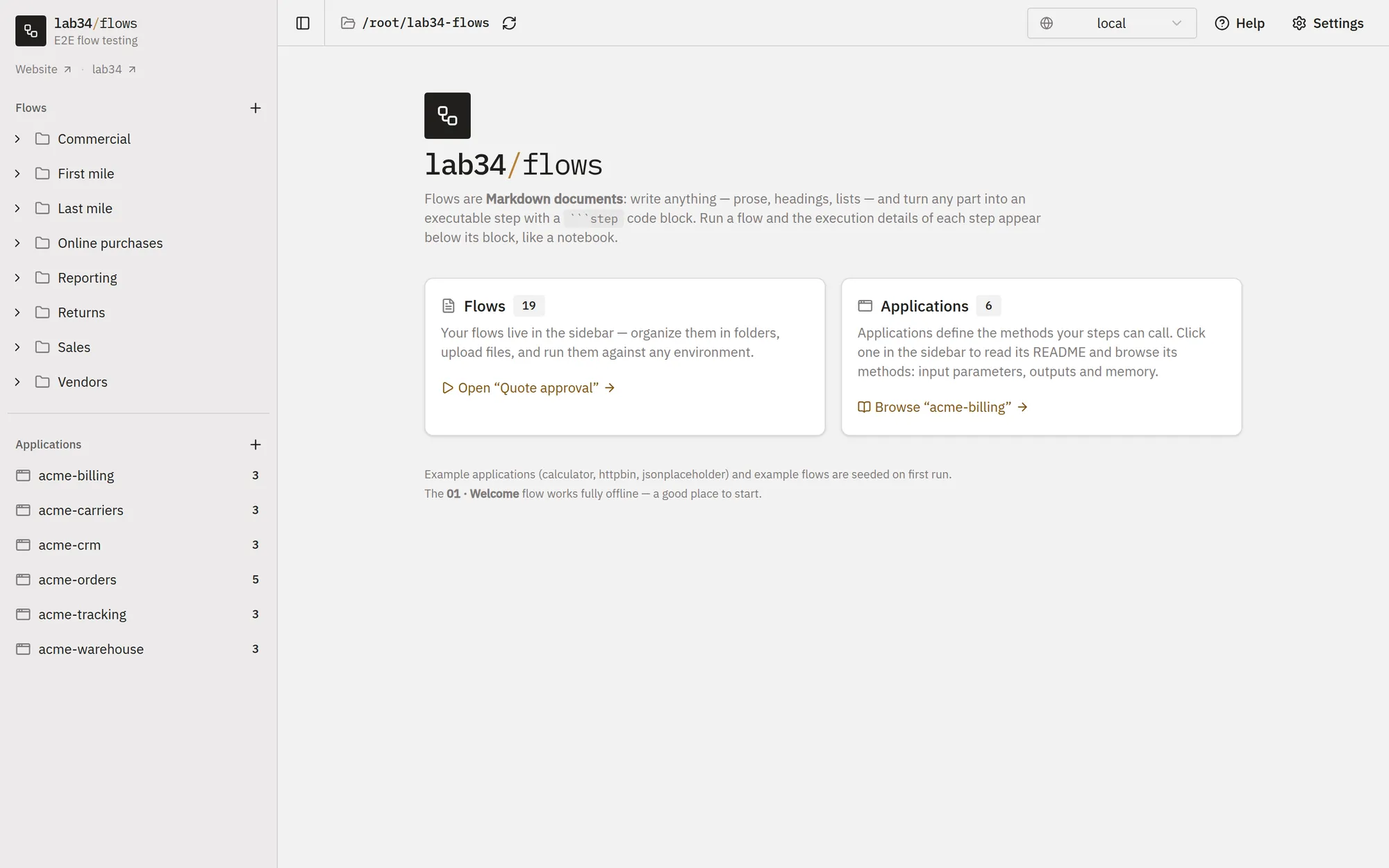
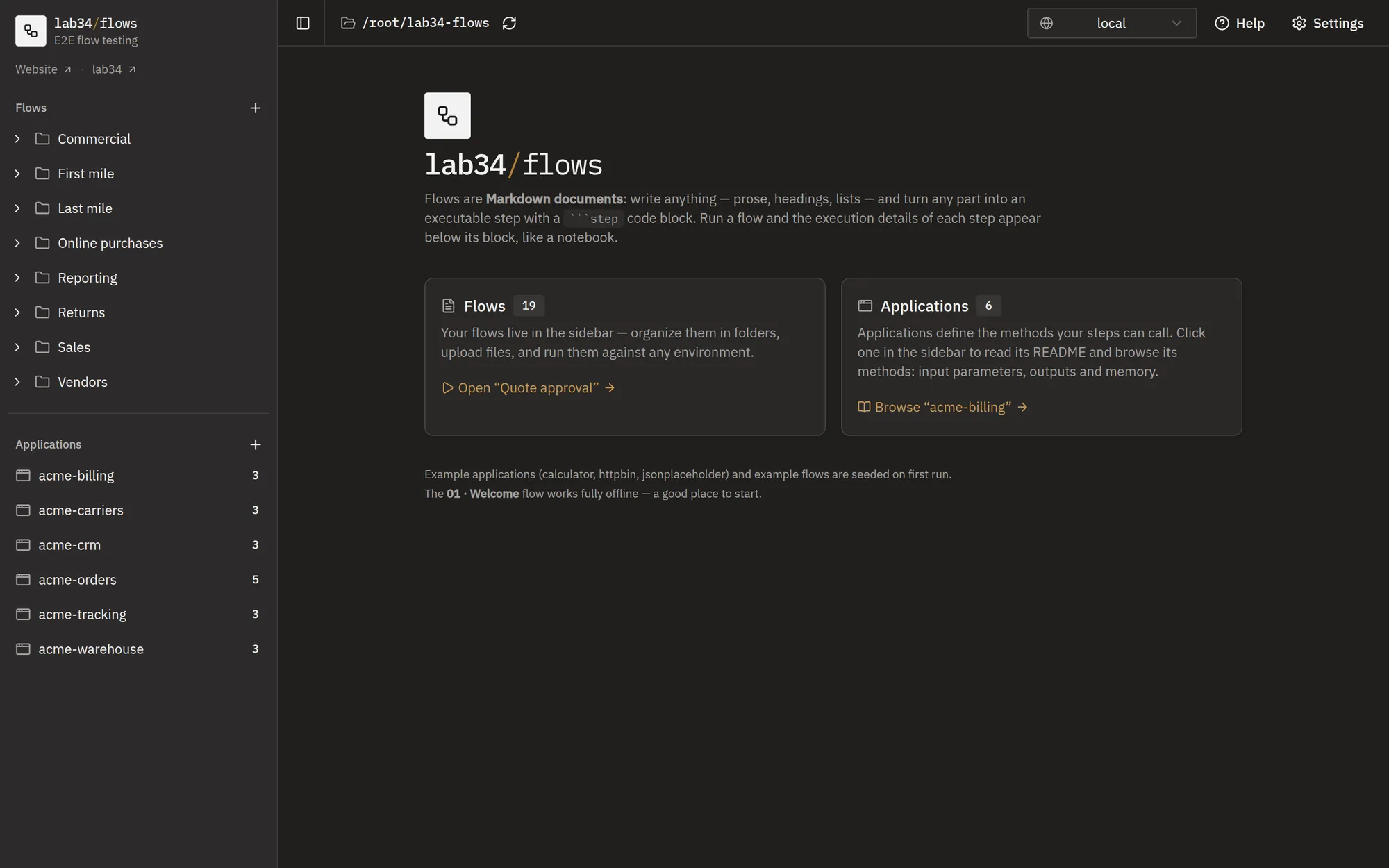
From the sidebar, open 01 · Welcome and press Run. The steps execute
in the order they appear in the document, and the request, response,
assertions and timings of each one appear right below its block, like a
notebook. The flow works fully offline: the calculator application it calls
is a few lines of TypeScript on your disk.
The other examples reach out: 02 · HTTP basics calls httpbin.org, 03 · Posts and memory a fake REST API, and 04 · Browser, scraping and memory drives a browser against a page it serves itself.
3. Write your own
Use the + button next to Flows in the sidebar: a new flow, a folder, or
a file to upload. Turn on Create using AI if you would rather describe the
scenario in plain words and have the document written for you.
A flow is a Markdown document. Write whatever you want around the steps, and
make a step out of a fenced code block tagged step:
```step
application: calculator
method: add
parameters:
  body:
    a: 2
    b: 40
test:
  status: 200
  body:
    result: 42
```
Click any paragraph or step in the Document view to edit it in place;
type / for headings, callouts and steps. Changes are saved as you type. See
The flow document.
When a step has to call something of yours, create an application for it with
the + next to Applications: a folder with documented example methods to
replace, and one environment file. See Applications.
4. Commit it
The context folder is yours, so version it like the rest of your code.
ronsel start left a .gitignore at its root with node_modules/ and
test-runs/ in it; before the first commit, add the rest:
# Secrets: one env file per application per environment.
# Commit the .env.example templates next to them instead.
applications/*/env/*.env
!applications/*/env/*.env.example

# Credentials of the AI and Jira integrations, and the secrets of the
# SharePoint and remote agents ones (their config files are safe to commit)
config/ai.json
config/jira.json
.env

# Regenerated on every start, with paths into this machine's installation
tsconfig.json
Everything else is meant to travel: the flows, the applications with their
README and .env.example templates, views.yaml, the config of SharePoint
and remote agents, and — so that everybody runs the same version — the
package.json and package-lock.json that start wrote.
Then commit and push, from your terminal or from the tool: the sync button
next to the folder name in the top bar lists the changed files and offers
Pull, Commit and Push. Whoever clones the repository gets the
flows and the applications, runs npm install && npm run ronsel in the
folder, and only has to fill in the environment files.
Environments explains how those values are handed over
without ending up in git.
Other ways to start it
npx ronsel start --context ~/projects/shop/e2e does the same thing to
another folder, creating it if it is not there. And if you would rather have
the command on your PATH than in a package.json:
npm install -g ronsel
cd ~/projects/shop/e2e
ronsel
Told nothing to run, ronsel starts the web UI on the folder you are standing
in — it asks first, so a plain ronsel in the wrong terminal never touches
anything:
Use /home/you/shop/e2e as the context? It is empty, so the example flows and applications go in it. [Y/n]
Started this way the folder has to exist already, and only an empty one is
furnished with the examples: a folder that already holds something is served
exactly as it is. start is the command that is allowed to write into a
folder of yours, because typing it is how you say so.
Where to go next
- Concepts: flows, applications and environments, and how they fit together.
- The context folder: every file in it, and what the git panel does.
- Command line: the same flows in a CI/CD pipeline.